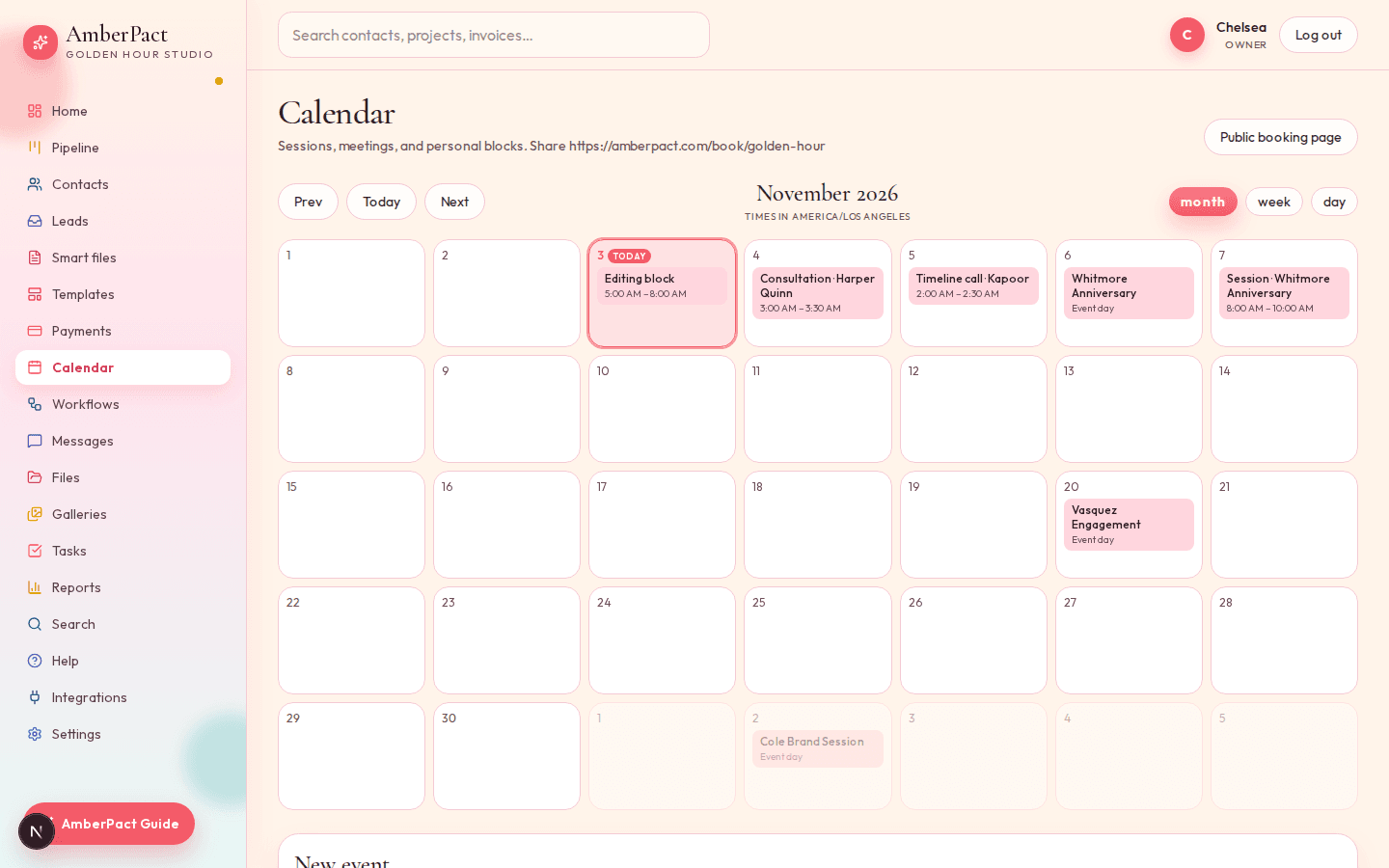
“Just use my Calendly” is how consults miss the CRM. AmberPact booking creates the event, can move the job to Meeting scheduled, and shows on your calendar (month, week or day view).
Hours and meeting types
Turn Friday off. Consultation vs a quick call. Buffer minutes so you can breathe.
Your studio's booking link
Share the HTTPS link. They pick a slot; you see it on Calendar.
Inquiry is separate on purpose
Your studio's inquiry link is the long form. Your studio's booking link is the time hold. Both create real records.
How it goes
- Step 1
Set working hours and meeting types in Settings.
- Step 2
Share your studio's booking link. A hold lands on the calendar.
- Step 3
If the meeting type says so, the job moves to Meeting scheduled (or whatever stage you renamed it to).